
Deploy zimbra using docker

Step 1: Download Dockerfile
#!/bin/bash
cd /srv/
curl -k https://raw.githubusercontent.com/imanudin11/zimbra-docker/master/Dockerfile > Dockerfile
Step 2: Build Docker image
#!/bin/bash
docker build -t zcs:zcsub1804 .
Step 3: Create container
#!/bin/bash
docker run -dit \
  --name zcsub1804 \
  -h mail.your_domain.com \
  --restart unless-stopped \
  -p 25:25 \
  -p 80:80 \
  -p 53:53 \
  -p 4443:443 \
  -p 465:465 \
  -p 587:587 \
  -p 993:993 \
  -p 995:995 \
  -p 7071:7071 \
  -p 7025:7025 \
  zcs:zcsub1804
Step 4: Configure local DNS
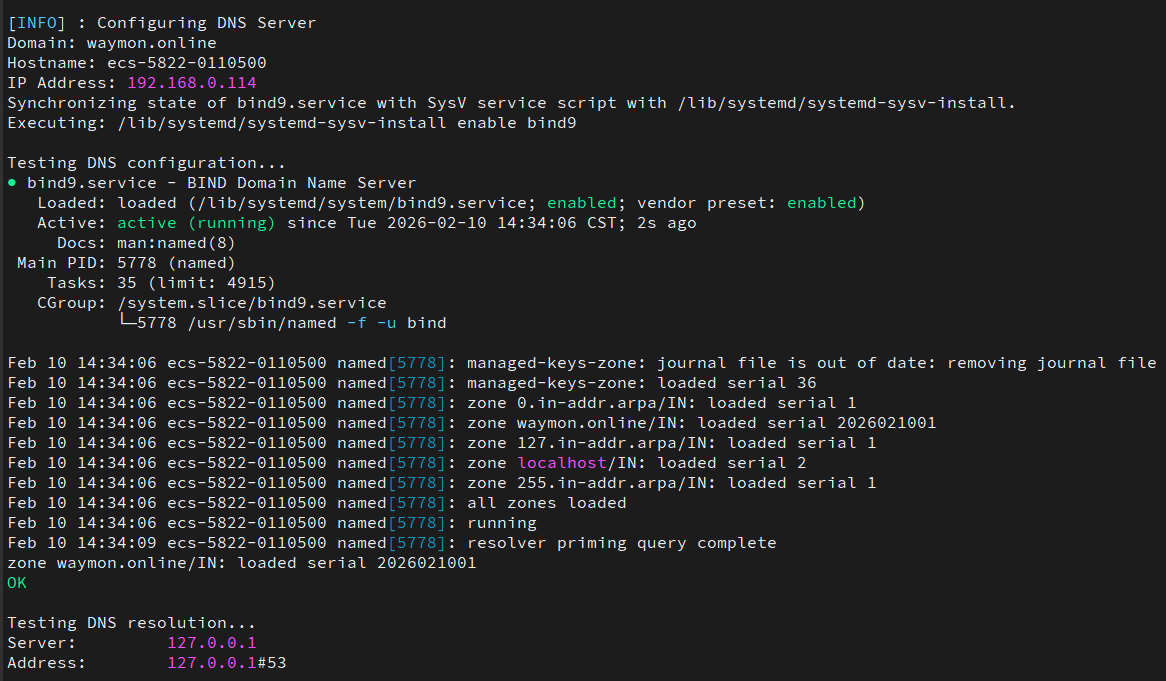
宿主机执行脚本:/srv/dns-auto.sh,自动完成本地域名配置,Zimbra需要此DNS来解析MX和A记录。
#!/bin/bash
/srv/dns-auto.sh
Step 5: Download and Install Zimbra
#!/bin/bash
docker exec -it zcsub1804 /bin/bash

cd /opt/
wget -c https://files.zimbra.com/downloads/8.8.15_GA/zcs-8.8.15_GA_3869.UBUNTU18_64.20190917004220.tgz
tar -zxvf zcs-8.8.15_GA_3869.UBUNTU18_64.20190917004220.tgz
cd zcs-8.8.15_GA_3869.UBUNTU18_64.20190917004220
./install.sh
安装过程大概持续30分钟,根据自己需求选择相应的配置,网上有很多关于配置选择的介绍,不在此赘述。 基本原则是,默认选择需要安装,admin密码自己设置一下即可。看到以下打印提示,表示安装完成。
You have the option of notifying Zimbra of your installation.
This helps us to track the uptake of the Zimbra Collaboration Server.
The only information that will be transmitted is:
	The VERSION of zcs installed (8.8.15_GA_3869_UBUNTU18_64)
	The ADMIN EMAIL ADDRESS created (admin@imanudin.net)
Notify Zimbra of your installation? [Yes] Yes
Notification skipped
Checking if the NG started running...done.
Setting up zimbra crontab...done.
Moving /tmp/zmsetup.20191003-082624.log to /opt/zimbra/log
Configuration complete - press return to exit
Step 6: Visit web ui
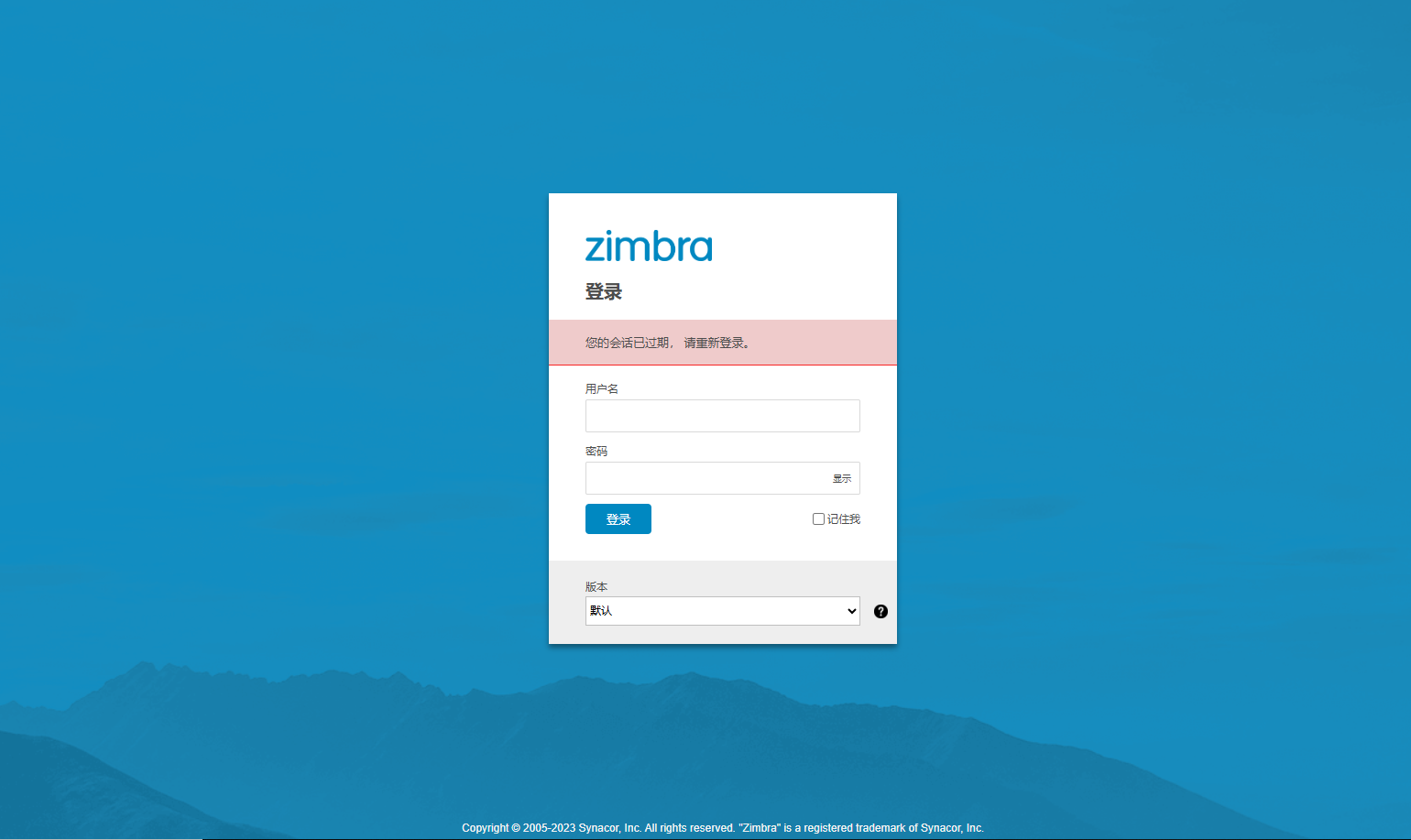
浏览器访问以下网站,默认端口是443,即可使用admin账号登录邮箱系统。
https://mail.your_domain.com:your_port
参考. Possible issues
[1]: Unable to retrive Zimbra GPG key
[2]: Zimbra用户修改密码自动重定向到8443端口问题
[3]: Zimbra通过Fail2ban加强防护